Reading a Japanese Ramen Menu When You Can't Read Japanese
No English, no photos — just kanji. Here's how to decode a ramen menu, order confidently, and avoid picking something you didn't want.
Most great ramen shops have menus written entirely in Japanese. This shouldn't put you off — the menus are shorter and more logical than you think. Here's everything you need to decode one.
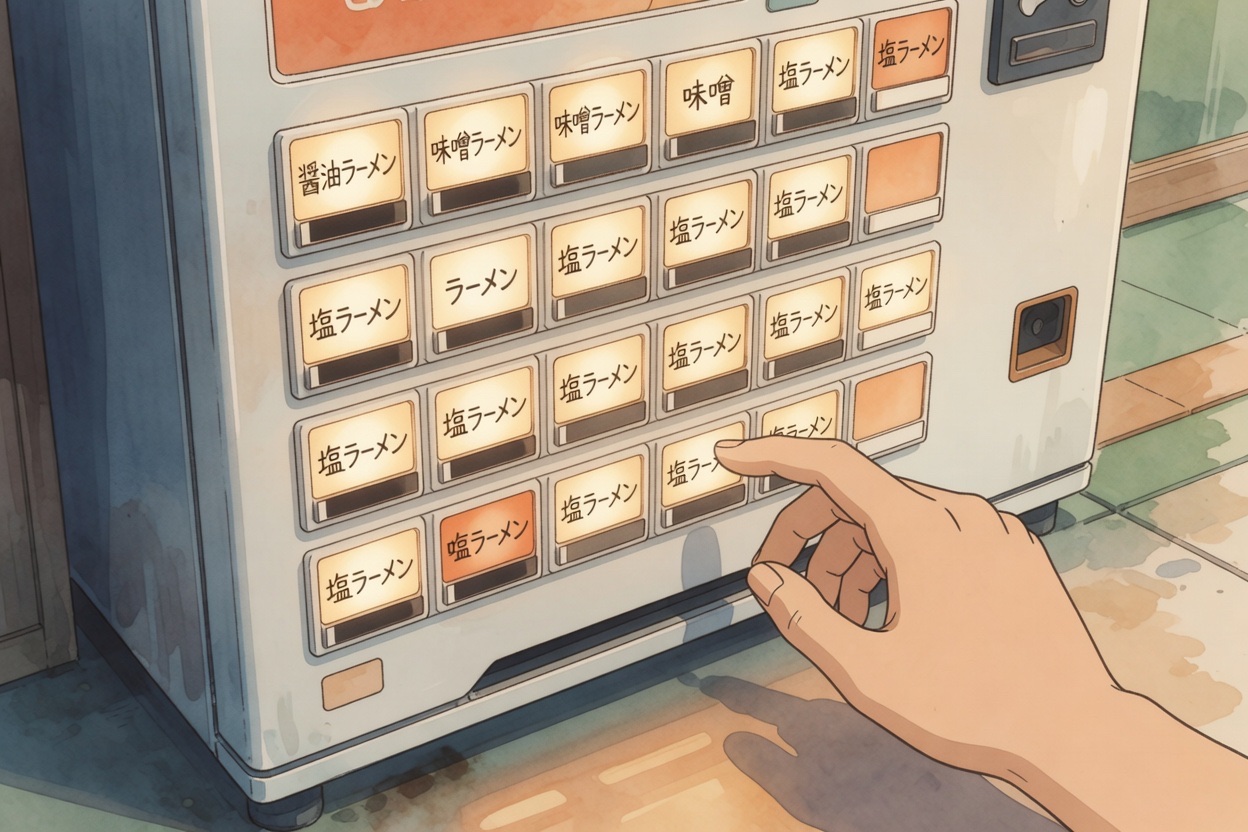
How to read and understand a Japanese ramen ticket machine menu
The Key Kanji to Learn Before You Go
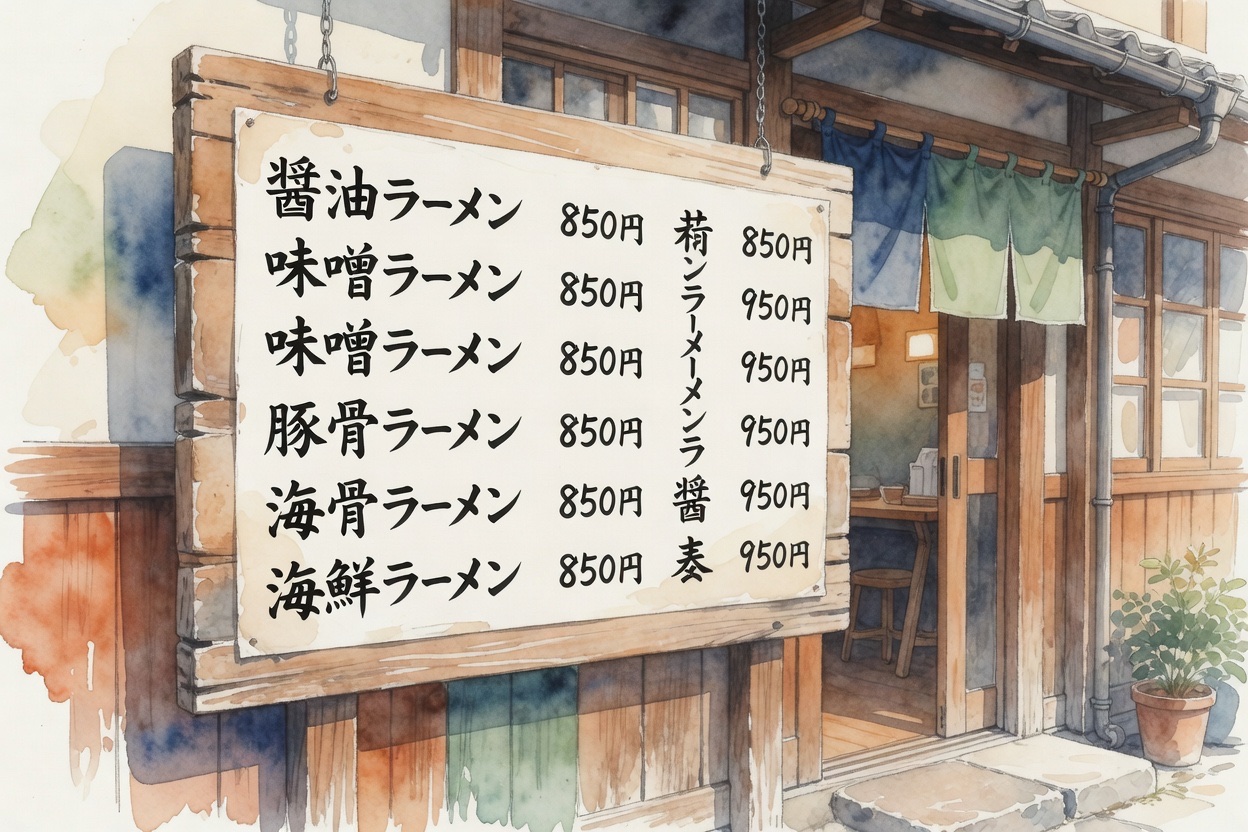
You don't need to read Japanese fluently to navigate a ramen menu. You need to recognise about 15 characters. Here are the most important:
- ラーメン (rāmen) — ramen (katakana, very common on signs)
- 醤油 (shōyu) — soy sauce broth
- 塩 (shio) — salt broth
- 味噌 (miso) — miso broth
- 豚骨 (tonkotsu) — pork bone broth
- つけ麺 (tsukemen) — dipping ramen
- チャーシュー (chāshū) — braised pork slices
- 煮卵 / 味玉 (nitamago / ajitama) — marinated soft-boiled egg
- 大盛り (ōmori) — large serving
- 並 (nami) — regular serving
- トッピング (toppingu) — toppings (katakana)
- ¥ — price is always shown; lowest number = smallest portion
Understanding Menu Structure
Main Bowls
Japanese ramen menus are almost always organised the same way: the signature bowl at the top (often highlighted or with a photo), then variants (extra spicy, extra rich, lighter version), then tsukemen if offered, then side dishes (gyoza, rice, karaage), then toppings and drinks. The highlighted or most expensive item is the shop's pride — start there.
Size Options
Most shops offer two noodle quantities: nami (regular, 並) and ōmori (large, 大盛り). Some add extra-large (特盛, tokumori). The broth amount is generally fixed. Sizing is usually free or a small surcharge (¥50–100).

Tech Tools That Help
- Google Translate camera mode — point your phone camera at any text and get an instant overlay translation. Works on menus, signs, and ticket machines.
- DeepL — better for longer translated sentences than Google, useful for specialty descriptions.
- Takoboto / Jisho — Japanese dictionaries with kanji drawing input; good for individual unfamiliar characters.
When There's No Menu
Some very traditional shops don't have menus at all — they serve one thing, one size. If there's no menu, point at what someone else is eating, say the price you see on the ticket machine (for confirmation), and trust the chef. This situation is less intimidating than it sounds once you understand the single-dish model.
Shops With English Menus
If you'd prefer the comfort of an English menu for your first visit, some shops in tourist areas provide them. Ginza Hachigo and Hayashi both have multilingual menus and are excellent quality — a good way to gain confidence before tackling Japanese-only shops.
Planning a Tokyo Ramen Crawl?
Skip the 90-minute tourist lines. Use our free curated walking routes and ticket machine guides to explore neighborhood counters with confidence.
Former Fukuoka tonkotsu ramen apprentice and creator of Japan Ramen Guide. When not exploring Japan's ramen alleys, I build tools for Japan life like Daruma Japan Life and recommend foreigner-friendly housing through Affarah.